Settings
THE FINALS Cheat Requirements and Setup
Before you buy any THE FINALS cheat, the first thing to check is whether your PC can run it. This guide covers the requirements we list on the product page and how to check each one in Windows. Finish with setup once the list matches your machine.
The requirements
According to the product page, you need:
- Windows 10 or Windows 11
- An Intel or AMD processor
- A stable internet connection
- Current loader access, which you receive after purchase
- HVCI on
- Core Isolation on
- TPM on
- Secure Boot on
The last four are Windows security settings. Many modern PCs already have them enabled, but it is worth confirming. Use the buyer's checklist if you are still comparing sellers.
How to check each setting
These are standard Windows tools, so the steps are the same regardless of the software you plan to run.
Core Isolation and HVCI. Open Windows Security, go to Device security, and select Core isolation details. HVCI appears there as Memory integrity. Turn it on if it is off.
TPM. Press the Windows key and R, type tpm.msc and press Enter. The window should show that a TPM is ready to use.
Secure Boot. Press the Windows key and R, type msinfo32 and press Enter. Look for Secure Boot State in the System Summary. It should say On. If it says Off or Unsupported, the setting is usually changed in your motherboard's BIOS or UEFI menu, and the exact steps depend on your motherboard.
Changing BIOS settings can affect how your PC starts, so take your time and check your motherboard manual if you are not sure. Our setup documentation and PC requirements thread cover common loader blocks.
Common problems
- Secure Boot shows Unsupported. Your system may be in legacy boot mode rather than UEFI. Check your motherboard documentation.
- Memory integrity will not turn on. Windows usually tells you which driver is blocking it. Updating or removing that driver often fixes the problem.
- TPM not found. Some boards have TPM disabled by default, and it can be switched on in the BIOS.
If you get stuck, our documentation and support ticket system are the best places to ask. Do not guess with settings you do not understand.
After purchase
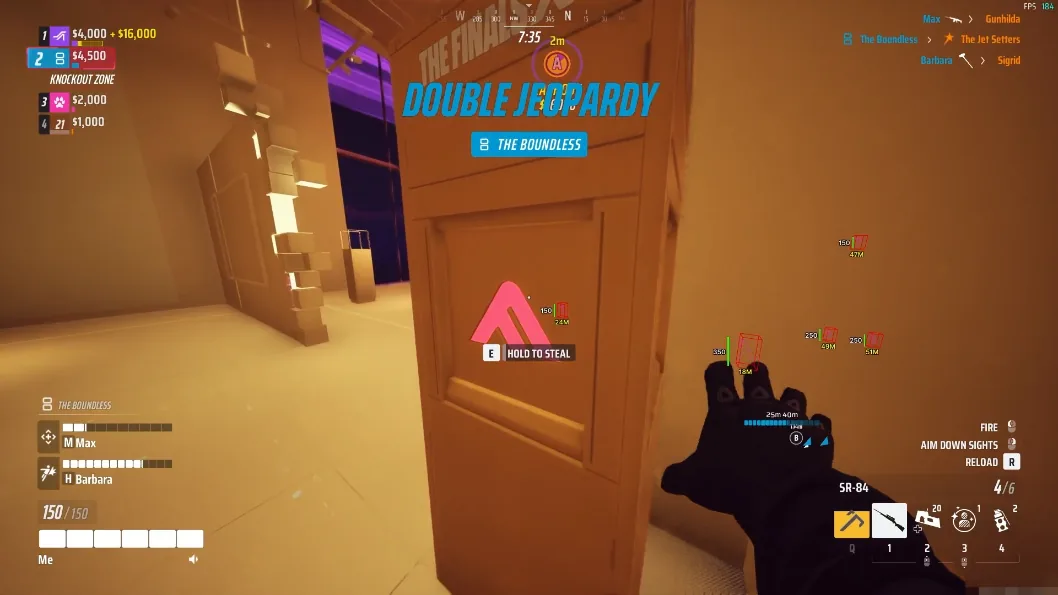
Delivery is digital and instant. After checkout you get access to the current loader, and the menu is built around options like aimbot, visuals, radar and misc. The preview on the product page shows INSERT as the menu key, and the menu keybind and unload keybind can be changed in the misc options. Follow the setup guide and feature list for the exact steps, since they are kept up to date.
Ready to go?
If your PC meets the list, you can see the plans and features on the THE FINALS cheats product page. Monthly access is $35 and lifetime is $150.
Gallery
In-game look